Practical guide
How to use Aevi, step by step
From the name written for the first time to the QR code engraved on the headstone: what you do, where it is on the site and what visitors see when they open the page. The screenshots come from the real site, with the example memorial of Maria Bernasconi.
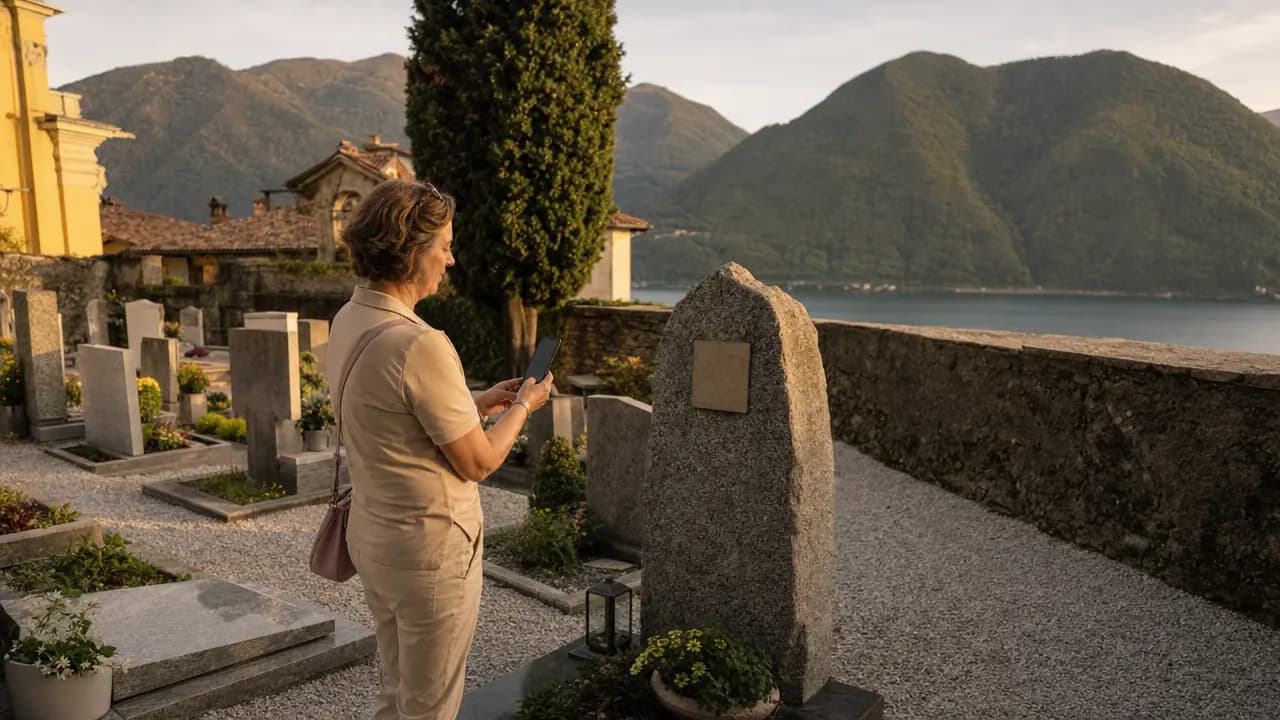
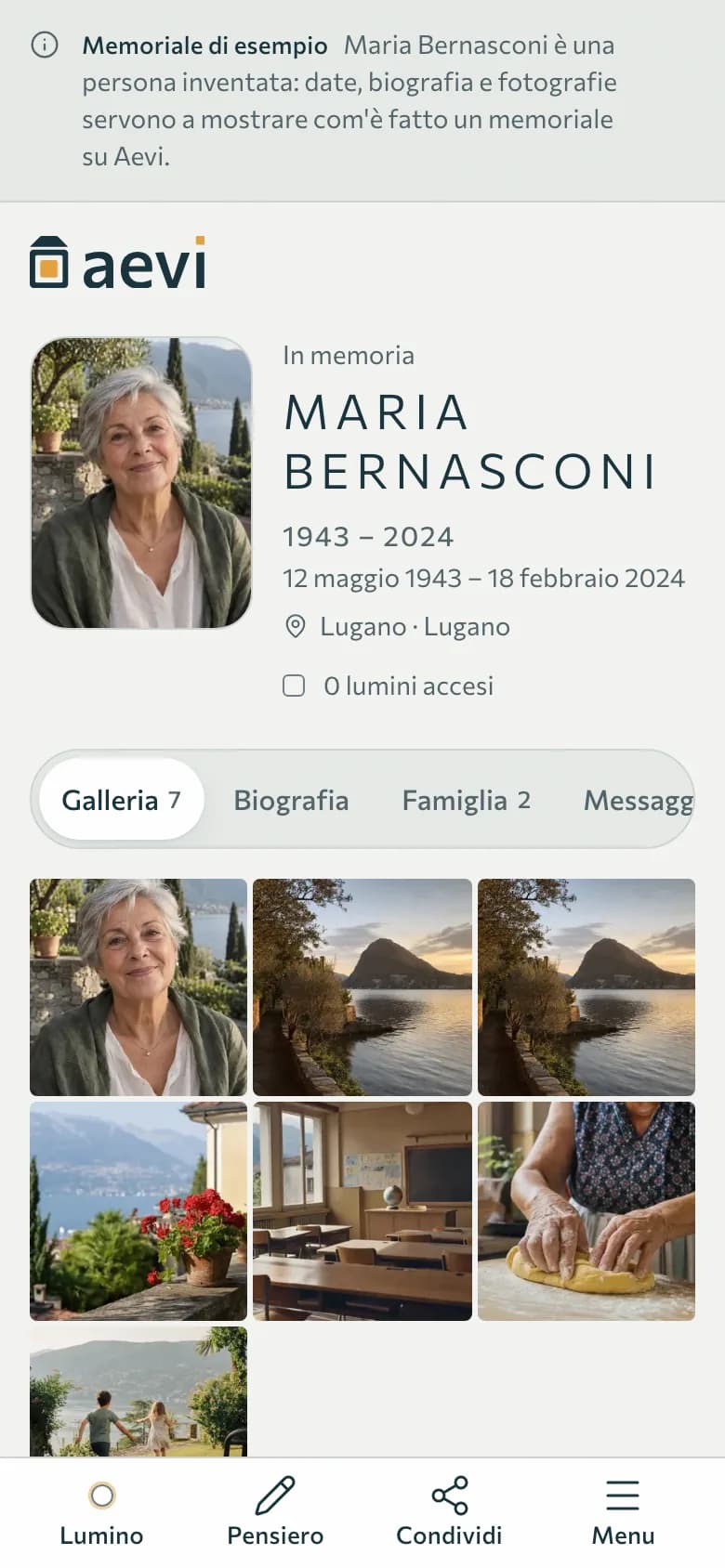
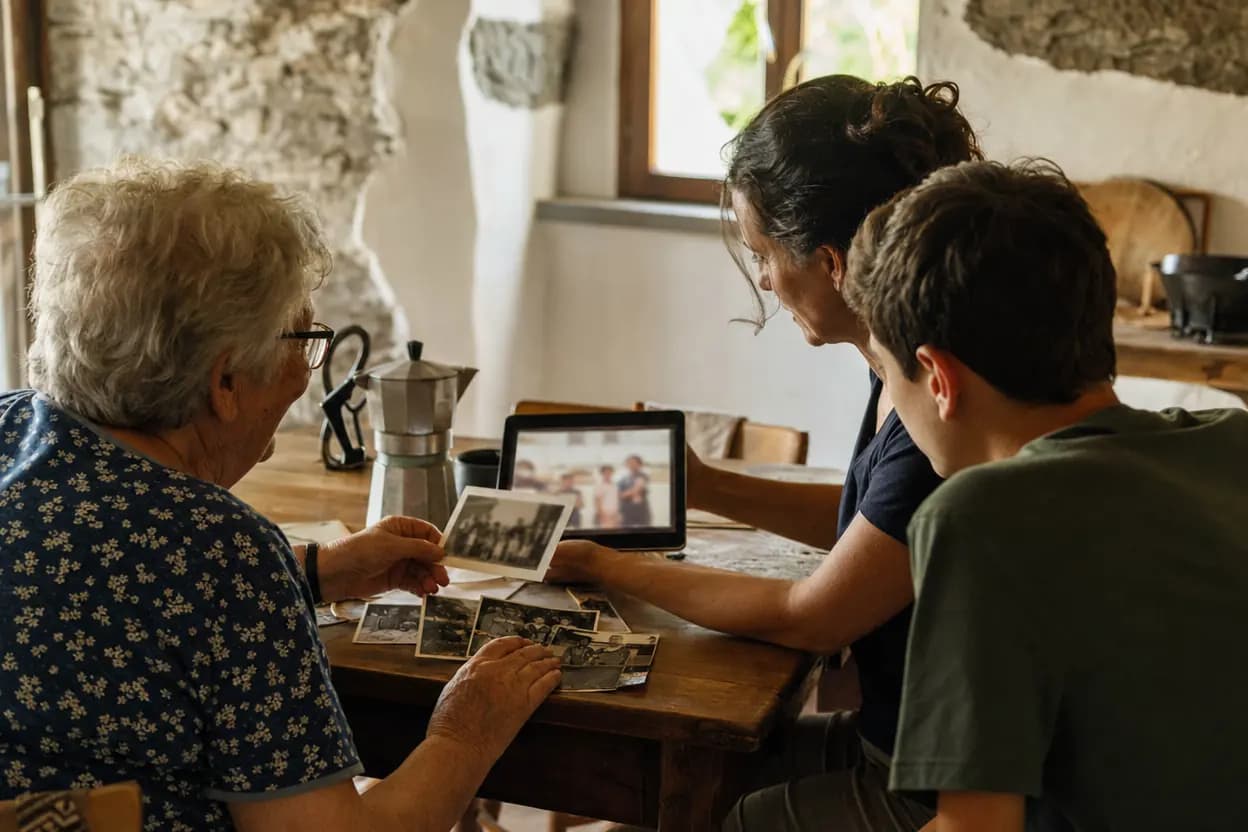
The photographs are illustrations. The screenshots come from the site; Maria Bernasconi is an invented person.
You start without an account
Name, dates, photo and a first memory stay in your browser until you save. The account is there to keep the page and edit it.
You decide who sees it
Public, reachable only through the link and the plaque, or private. You can change it whenever you like.
The headstone QR code is included
In every plan, the free one too: you create it from the memorial page and your stonemason engraves it.
Ten steps, in the order they usually happen
You don't need to do them all, or right away. Each step says where it is on the site. Some pages of the personal area are only in Italian for now: names in «» are exactly what you will see on screen.
Step 1
Create the memorial
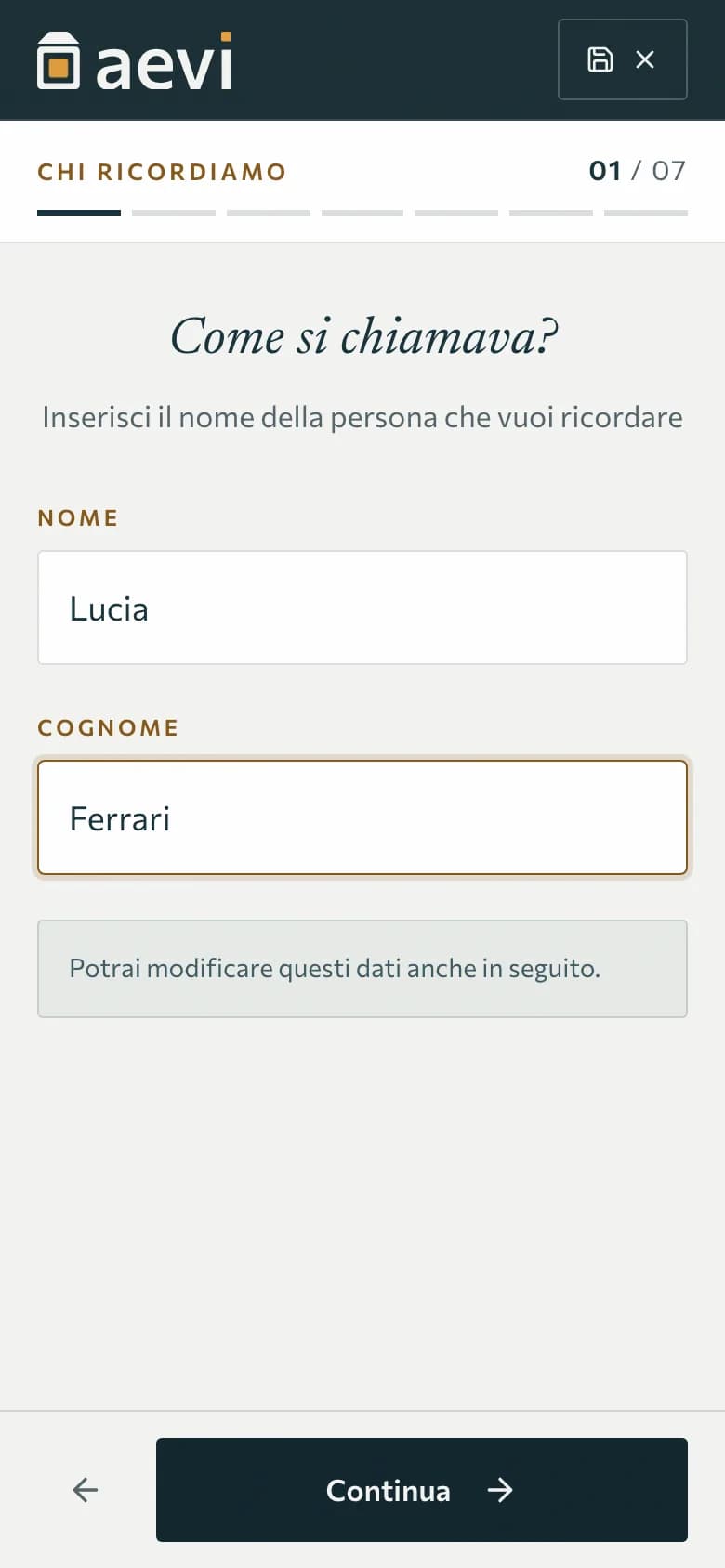
Press «Create a memorial» and answer a few questions: their name, the dates, a photo, a first memory, more photos if you have them. Before saving you see a preview. We only ask for an account at the end, to keep the page.
Where:Create a memorial › at the top of every page
- Seven short steps, with a preview before saving
- No digital photo? You can carry on anyway
- The free plan includes one memorial
Step 2
Choose who can see it
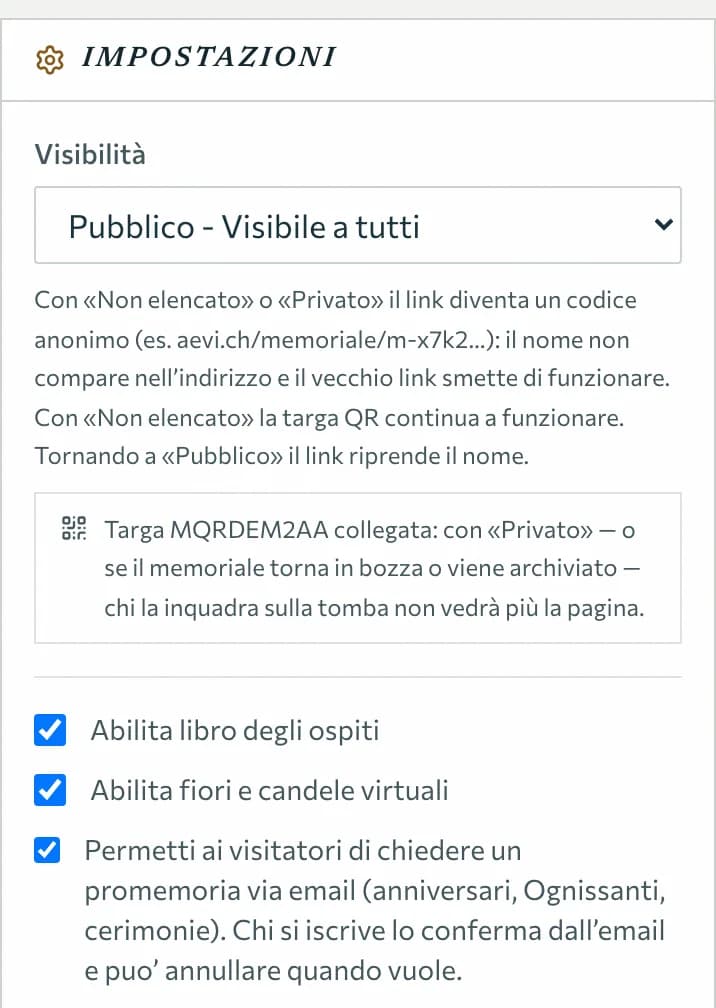
Public: the page appears on the site and in searches. Unlisted: only people with the link or who scan the plaque can open it. Private: only you see it. With «unlisted» and «private» the address becomes an anonymous code, so the name doesn't appear there either.
Where:Dashboard › Memorials › Edit › «Impostazioni»
- You can change it at any time
- With «unlisted» the plaque still opens the page; with «private» only the family sees it
- This is where you switch the guestbook, memorial lights and reminders on or off
Step 3
Tell their story with photos, videos and their voice
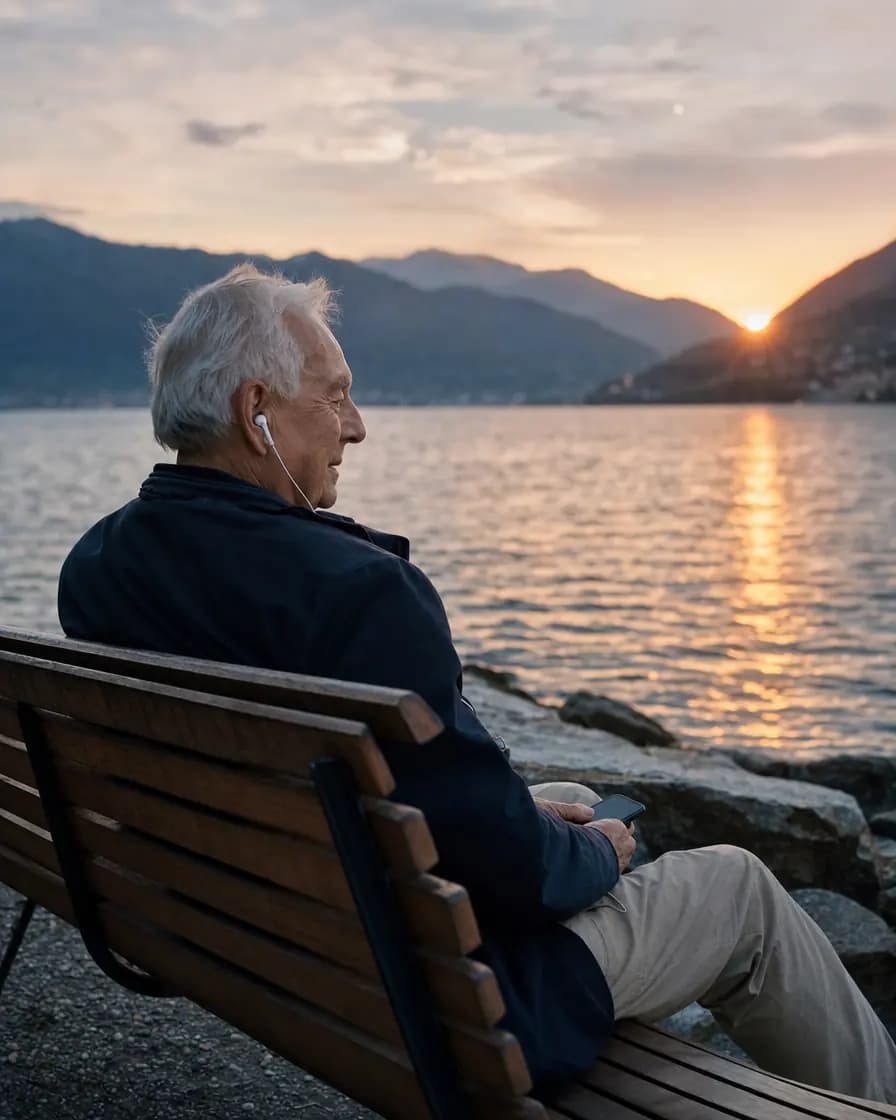
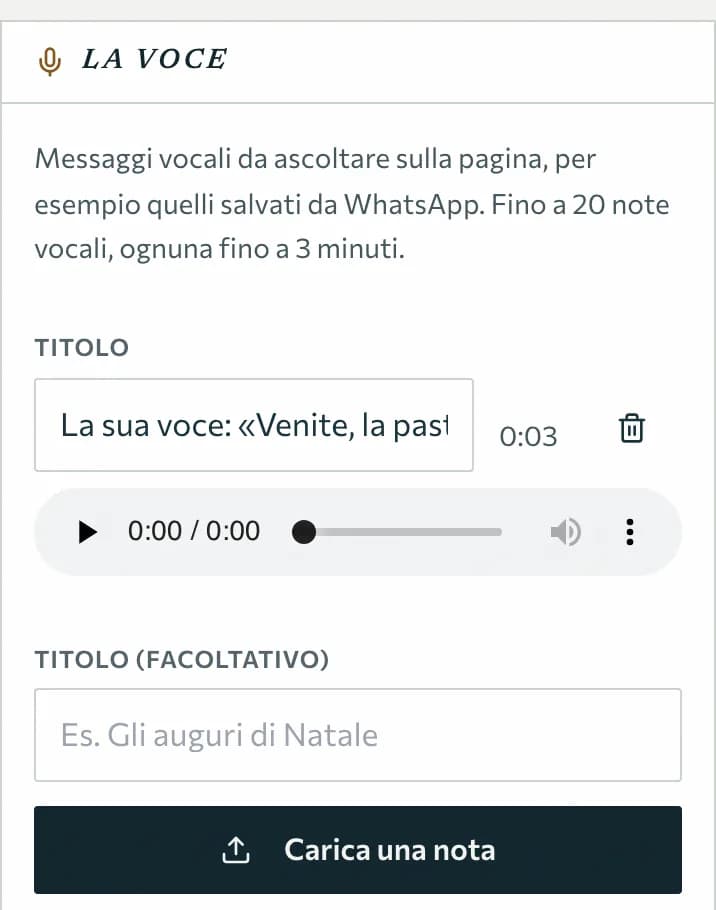
Write the biography, add the photos and videos of their life and the family members. And the voice: a voice message saved from WhatsApp or a recording uploads as it is, and visitors listen to it on the page.
Where:Dashboard › Memorials › Edit
- Voice notes in MP3, M4A, Ogg or WAV, up to 3 minutes each
- How many photos, videos and notes depends on the plan
- Photos on the free plan carry the Aevi mark in one corner
Step 4
Thoughts, photos and lights from visitors
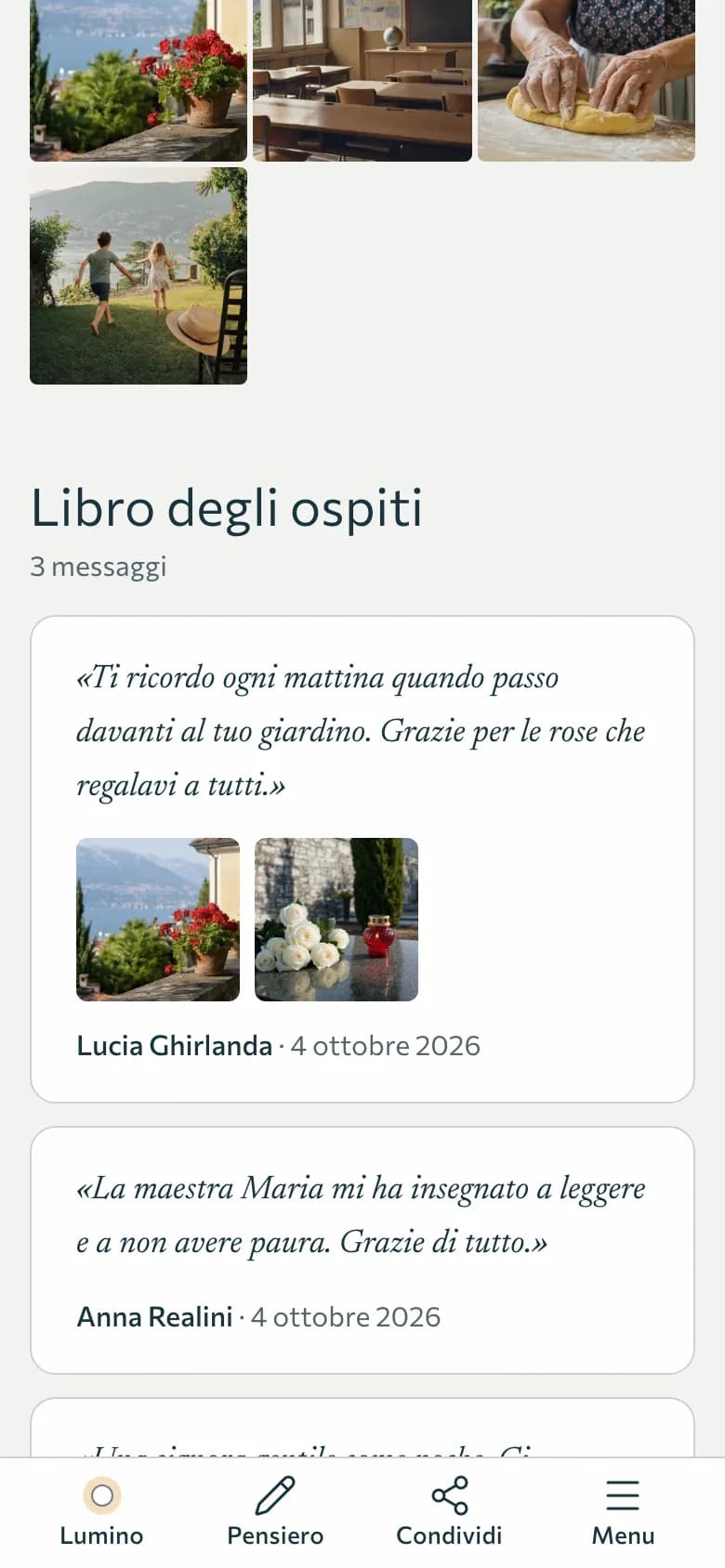
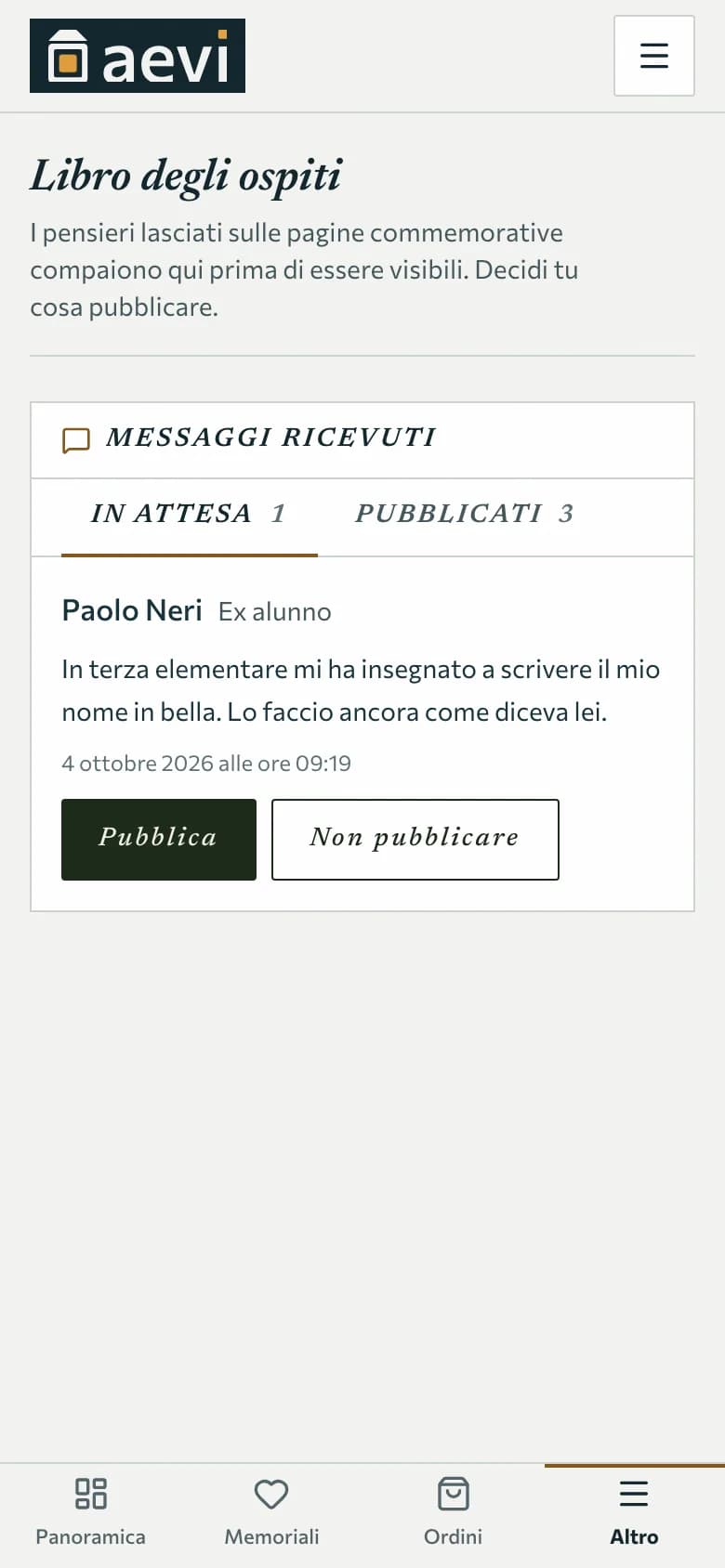
Anyone who opens the page can light a memorial light, leave a flower and write a thought, with up to three photos. Nothing appears on its own: messages wait in the family area, and you decide whether to publish them.
Where:Dashboard › Guestbook
- Visitors don't need to register
- We remove location data from visitors' photos
- The guestbook can be closed at any time
Step 5
Say where they rest
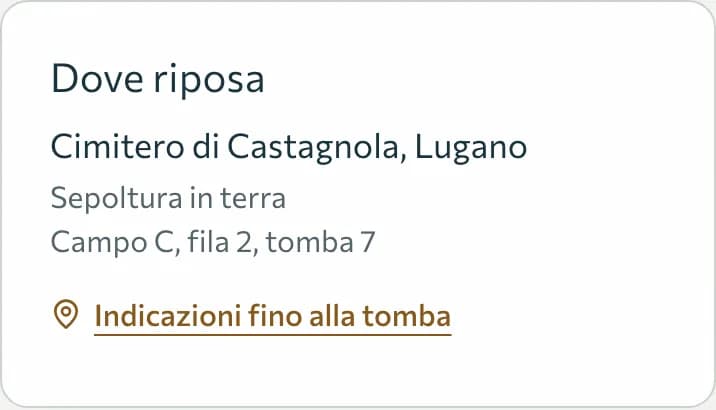
The cemetery, how they rest, the exact spot: section, row, grave. If you are standing at the grave, the phone records the exact point by GPS. The page then shows «Directions to the grave», useful for anyone coming from far away.
Where:Dashboard › Memorials › Edit › «Dove riposa»
- You can add a photo of the grave
- Directions open in the phone's map app
- Burial, niche, urn, family tomb or scattered ashes
Step 6
Have the QR code engraved on the headstone
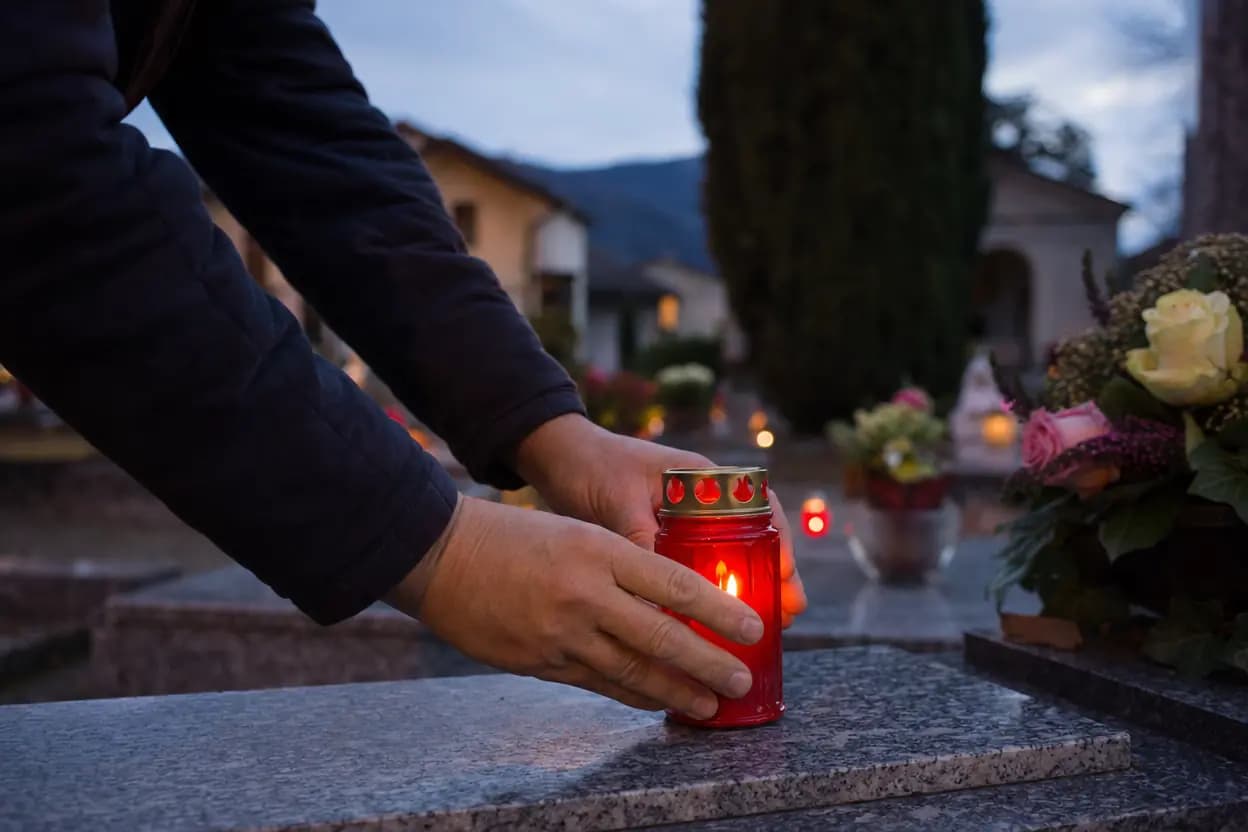
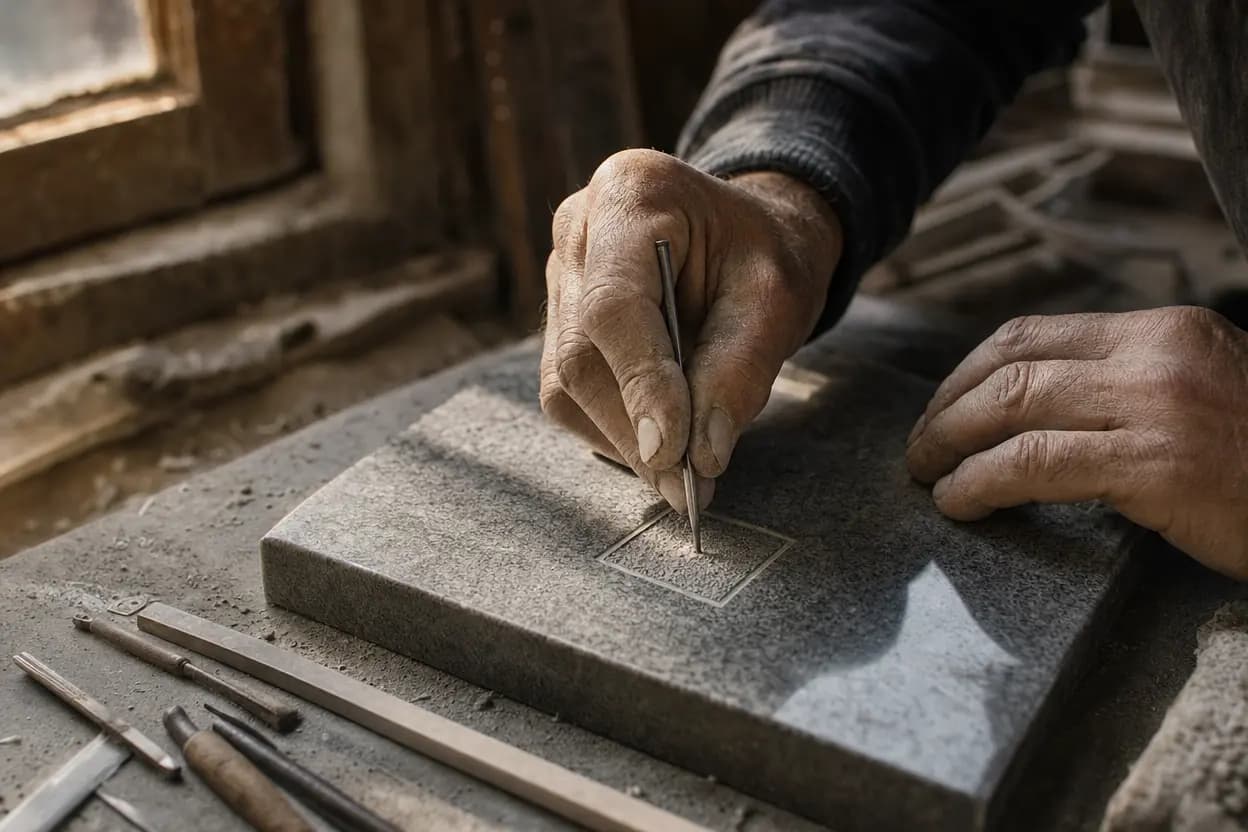
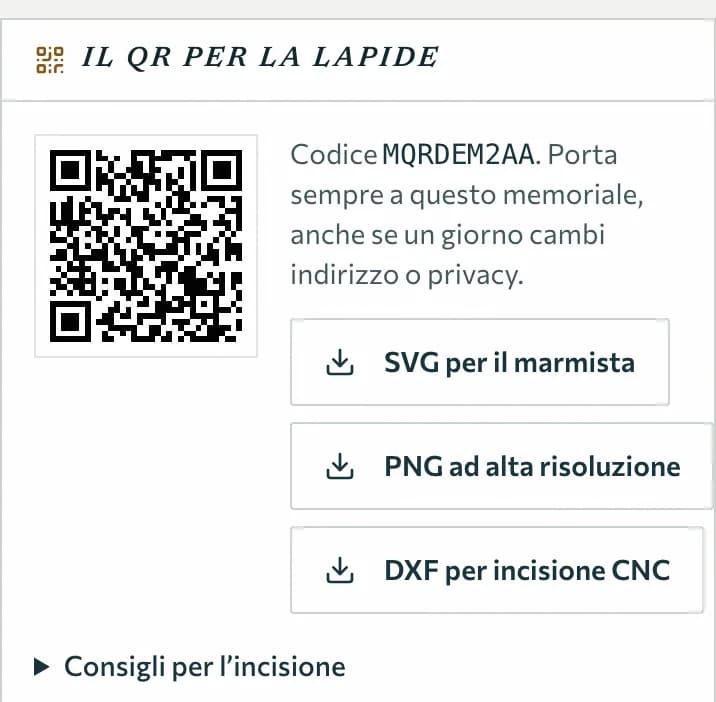
From the memorial page you create its QR code and download the files for the stonemason: SVG, high-resolution PNG or DXF for CNC machines. The code stays linked to this memorial even if you one day change the address or the privacy. Anyone who scans it with their camera opens the page, with nothing to install.
Where:Dashboard › Memorials › Edit › «Il QR per la lapide»
- Included in every plan, the free one too
- With engraving tips
- Works with any smartphone
Step 7
One grave for the whole family
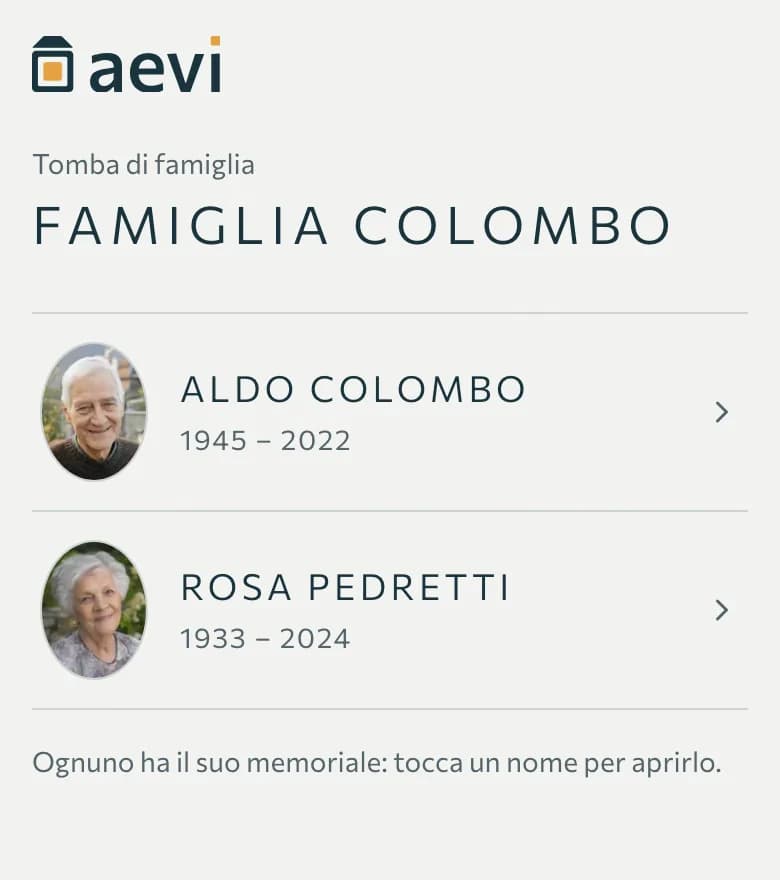
If several people rest in the same place, you create a family grave: one plaque, one page listing everyone who rests there, and from there each person has their own memorial. Each memorial stays visible according to its own privacy.
Where:Dashboard › Memorials › Family tomb
- One QR code for the whole grave
- Private memorials don't appear in the list
- People can be added later
Step 8
The dates to remember
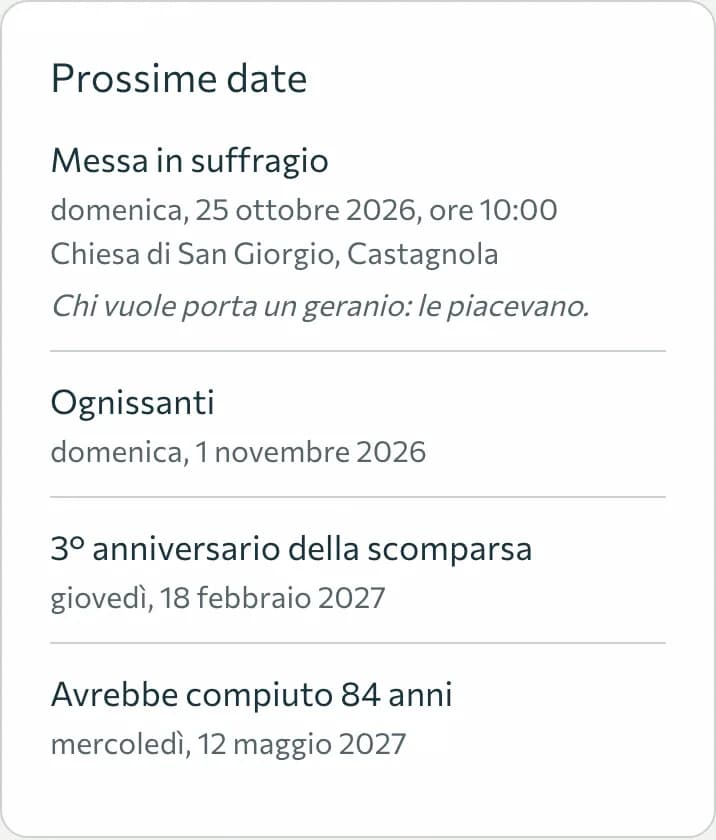
The page shows birthdays, anniversaries and All Saints' Day by itself, and you can add a mass or a gathering with time, place and a note. Visitors can ask «Remind me»: they get an email the day before, after confirming their subscription.
Where:Dashboard › Memorials › Edit › «Date da ricordare»
- The subscription can be cancelled at any time from the link in the email
- You can switch reminders off in the memorial's settings
Step 9
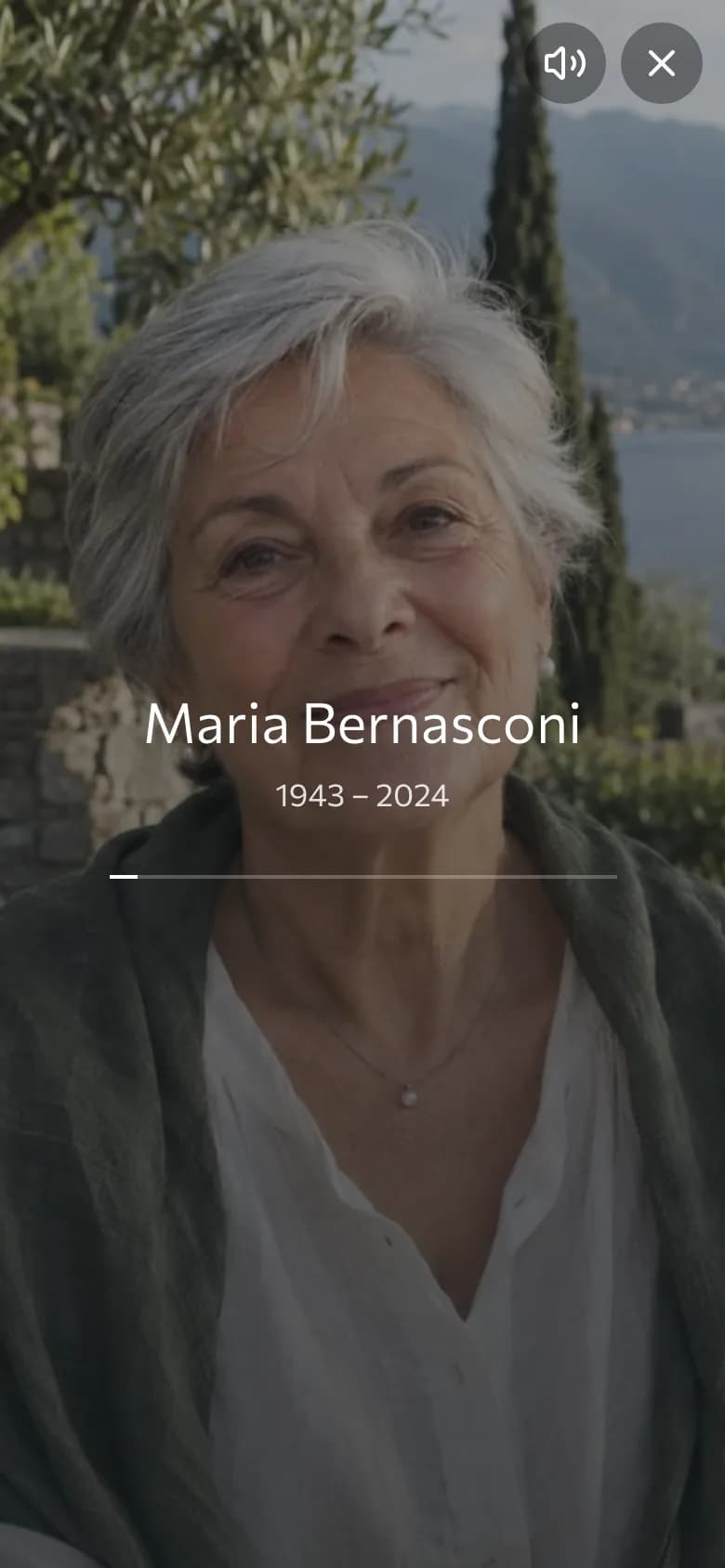
A minute of remembrance
The page has an «A minute for Maria» button: for sixty seconds her photos play, with a soft sound you can turn off. At the end you can light a memorial light.
Where:Memorial page › A minute for…
- Works on any phone, no app needed
- No audio file to upload: the browser creates the sound
Step 10
Visits, and an archive of everything
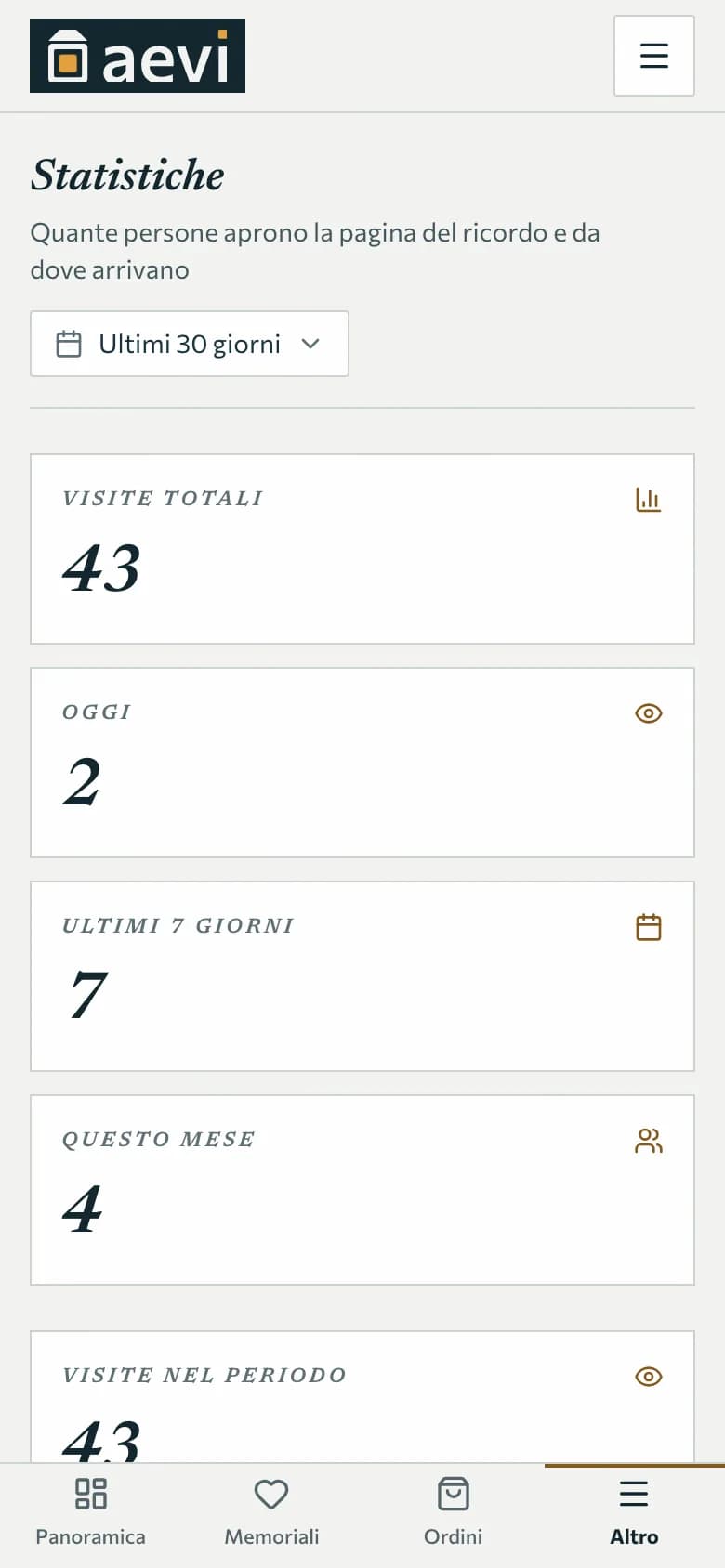
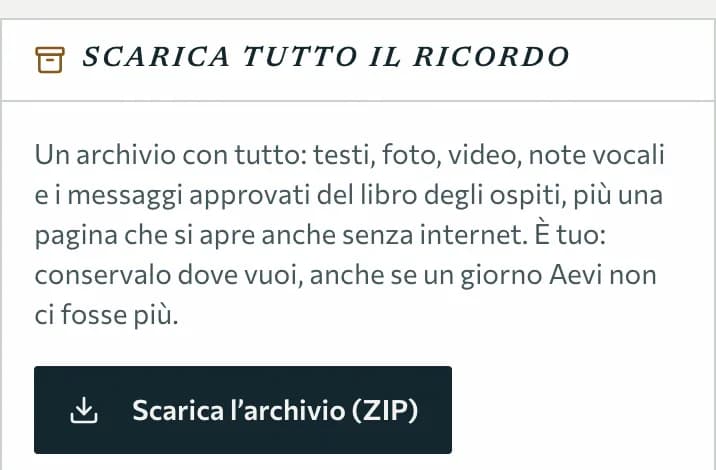
With the paid plans you see how many people open the page and where they come from: the QR code, a shared link, a search. In every plan you can download the whole memorial as an archive: texts, photos, videos, voice notes and approved messages, with a page that opens even without internet.
Where:Dashboard › Statistics
- Download the archive from Memorials › Edit › Download everything
- If Aevi ever had to close, we would give at least 12 months' notice by email
Every moment has its own way of remembering
Aevi doesn't replace anything people already do: it sits alongside.
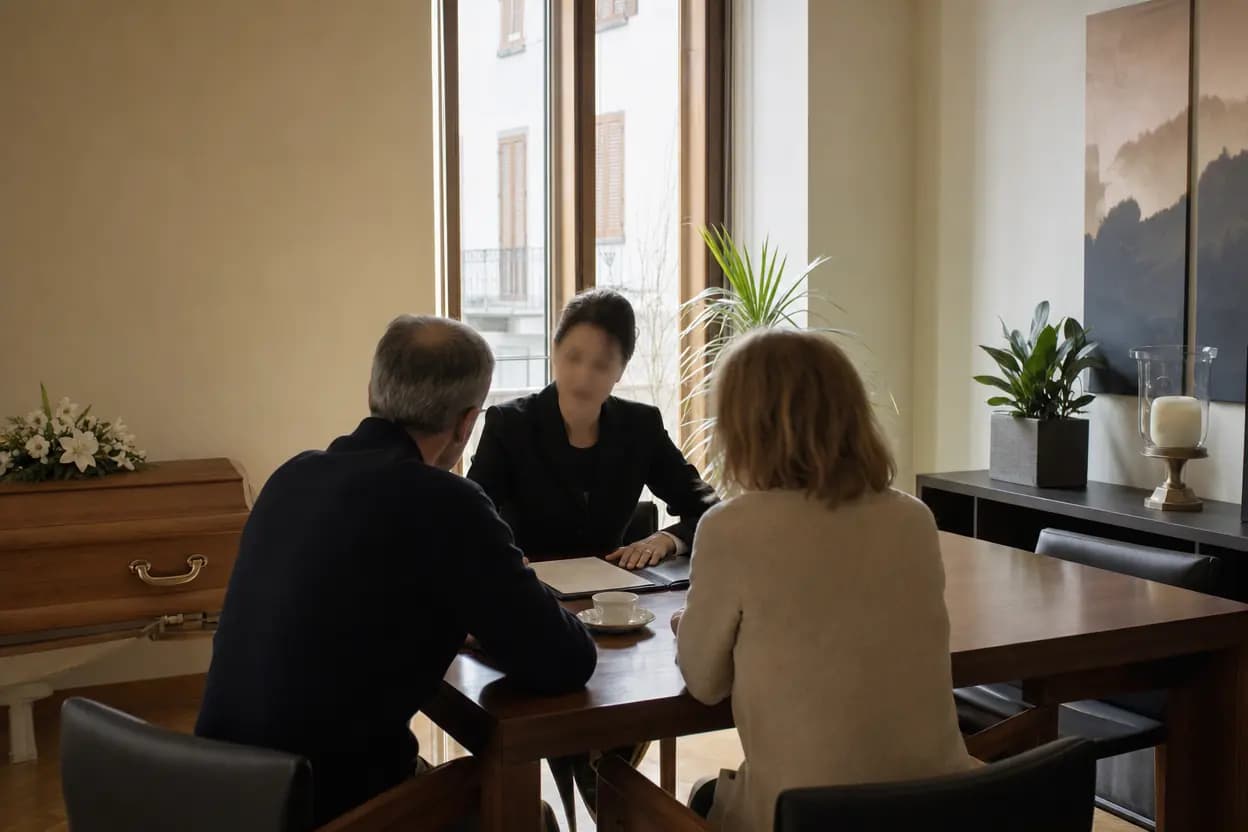
The day of the funeral
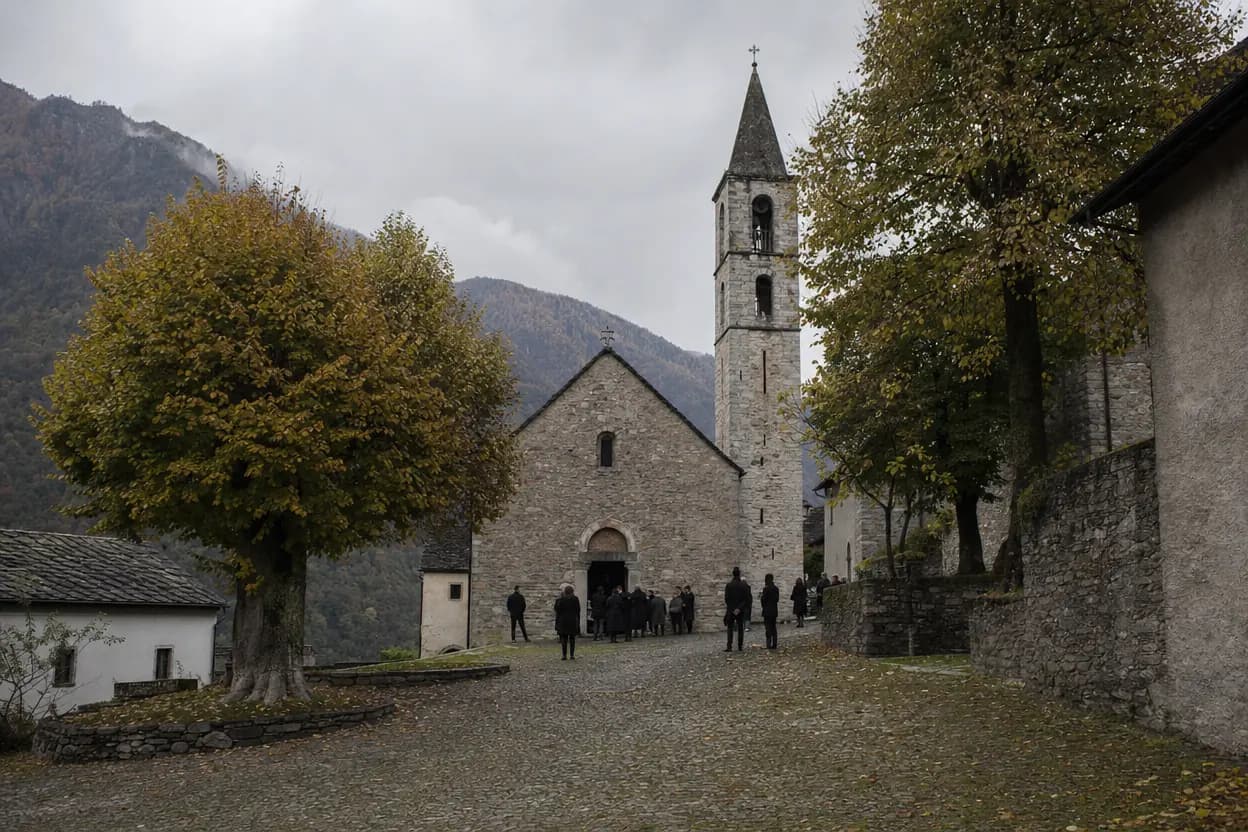
The funeral home publishes the notice with the date and place of the service. Those who can't be there leave a thought.

From far away
For those living abroad, the page is the place to feel close: light a memorial light, listen to their voice.
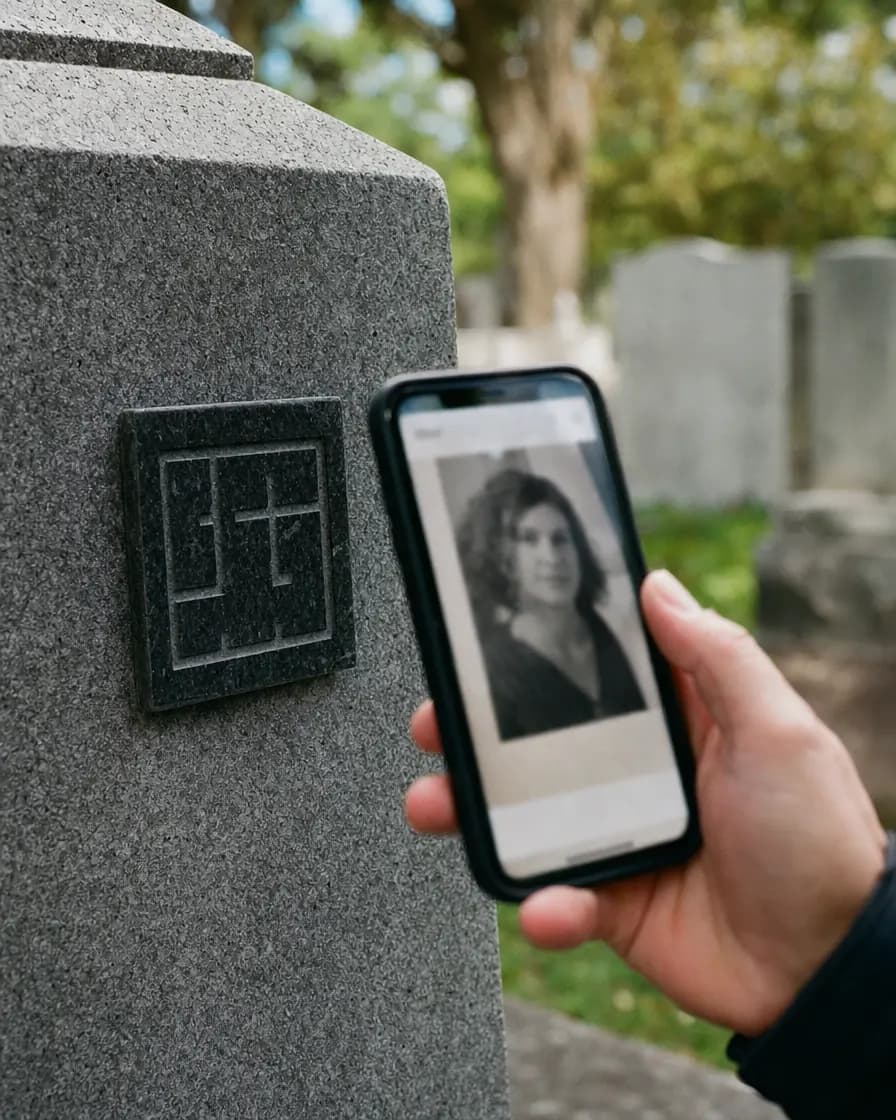
At the grave
The QR code on the headstone opens the page: the photos and words of those who knew her, in a few seconds.
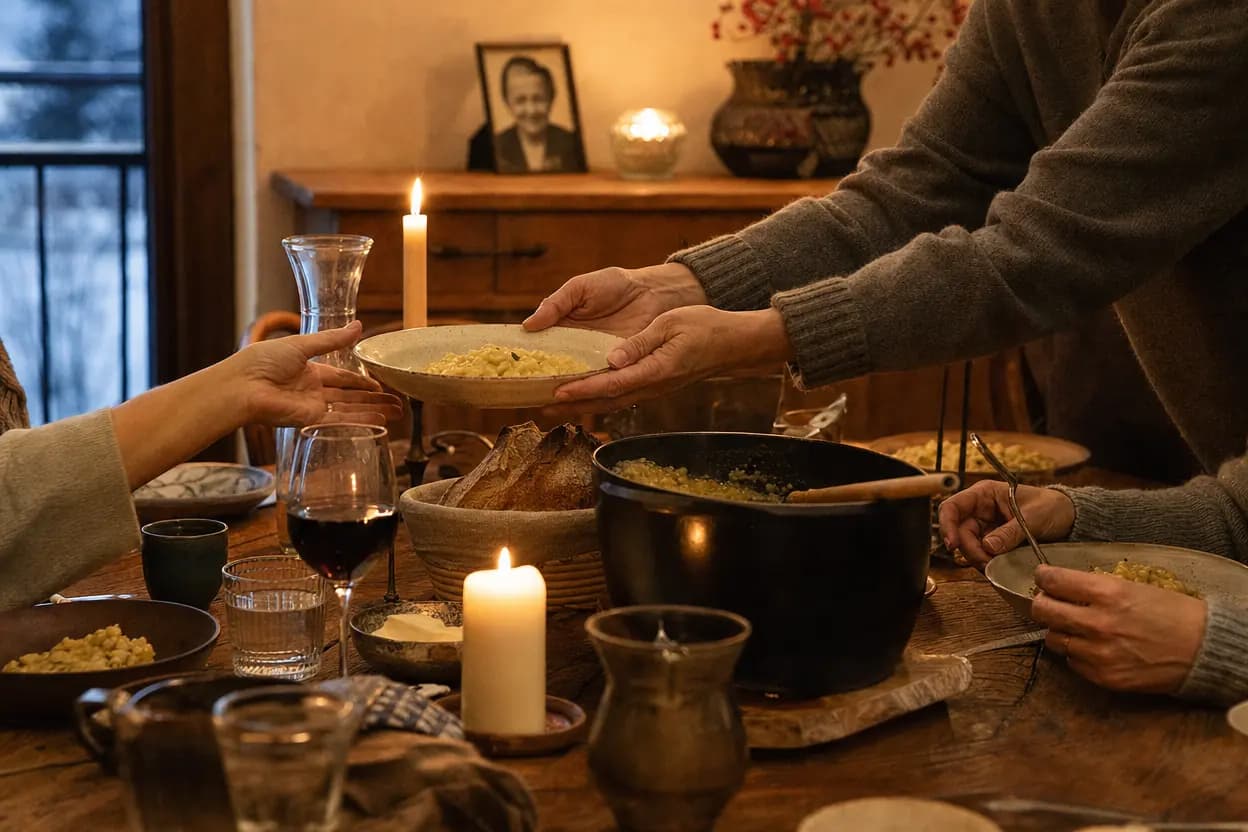
Holidays and anniversaries
The dates appear on the page by themselves, and anyone who wishes gets a reminder so they can be there.

Whenever you think of them
A thought written at any moment, which the family reads and decides to publish.
The notice today, the family's memorial tomorrow
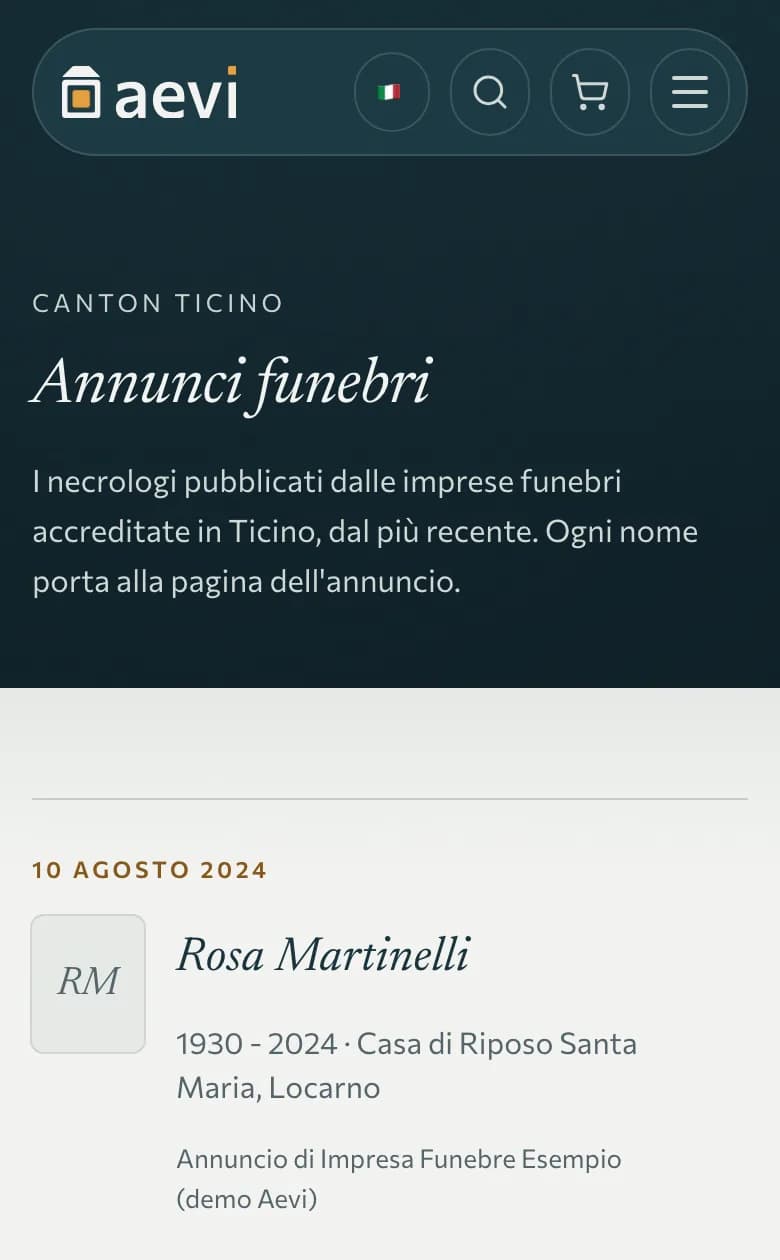
Partner funeral homes publish death notices on Aevi. Then they give the family a code: with it, the family takes over the page and turns it into the person's memorial.
- The funeral home publishes the noticeName, dates, service: it appears among the death notices in Ticino.
- It hands the code to the familyA link to copy, send by email or share.
- The family carries onThey enter the code in «Claim the notice» and the memorial becomes theirs.
Frequently asked questions
Do I need an account to create a memorial?
Who can see the memorial?
Does the headstone QR code cost extra?
Can I edit the memorial after creating it?
Can several family members manage the same memorial?
What happens to the memories if Aevi ever closes?
Conditions, prices and policies: Service termsContact

Start with a name and a photo
Everything else can be added when the family is ready. It starts free; more memorials, photos and videos come with the paid plans.