Digital memorial · Canton Ticino
A memory
needs a place.
Aevi gathers biography, photographs, videos and tributes on one commemorative page. Anyone arriving from the plaque scans the QR code and finds the memory on their own phone.
- Plaque with QR code
- Biography, photos and video
- Tributes and memorial light
Whoever dies leaves a house full of things said and unsaid.
Aevi holds both together: the name, the years, the place, the biography, the photographs, the video and the thoughts of everyone who knew them. All at one address, also for those who could not be there.
The page is updated whenever the family wants, even years later.
From a photo to a page.
If the family makes the page public, opening it is just a link. Creating and updating it, however, goes through the family's sign-in: that is where an account is needed, because only those entitled to it should be able to change it.
01
Create the memorial
Name, dates, a photo and a first memory. You start without an account: we only ask for one when you save.
02
Gather the memories
Biography, photos, videos, voice notes and visitors' thoughts, which the family approves. They are added over time.
03
Bring the QR code to the headstone
You create the QR code from the page and the stonemason engraves it. Anyone who scans it opens the memorial, with nothing to install.
Everything you need to remember, on one page
Each feature has its own step in the guide, with real screenshots of the site.
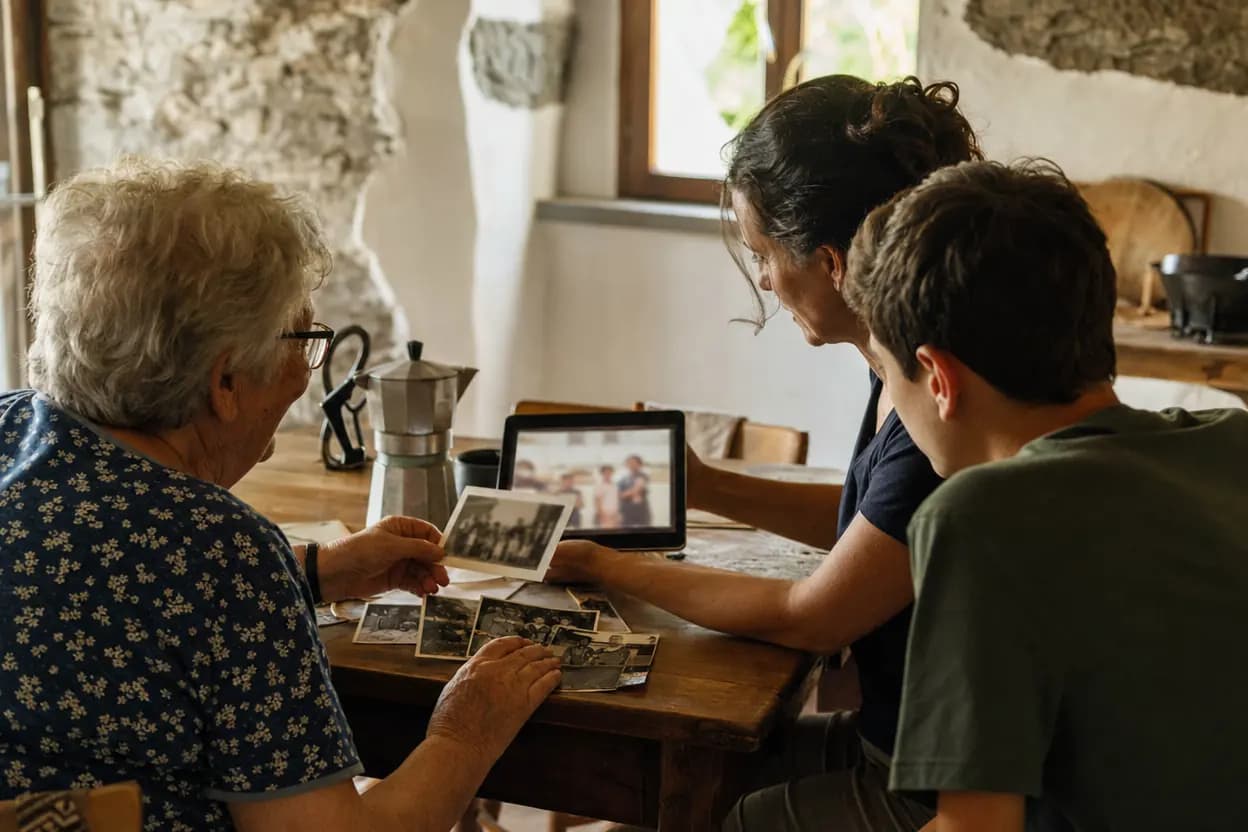
You start without an account
Name, dates and a photo: the account is only needed to save.
How it's done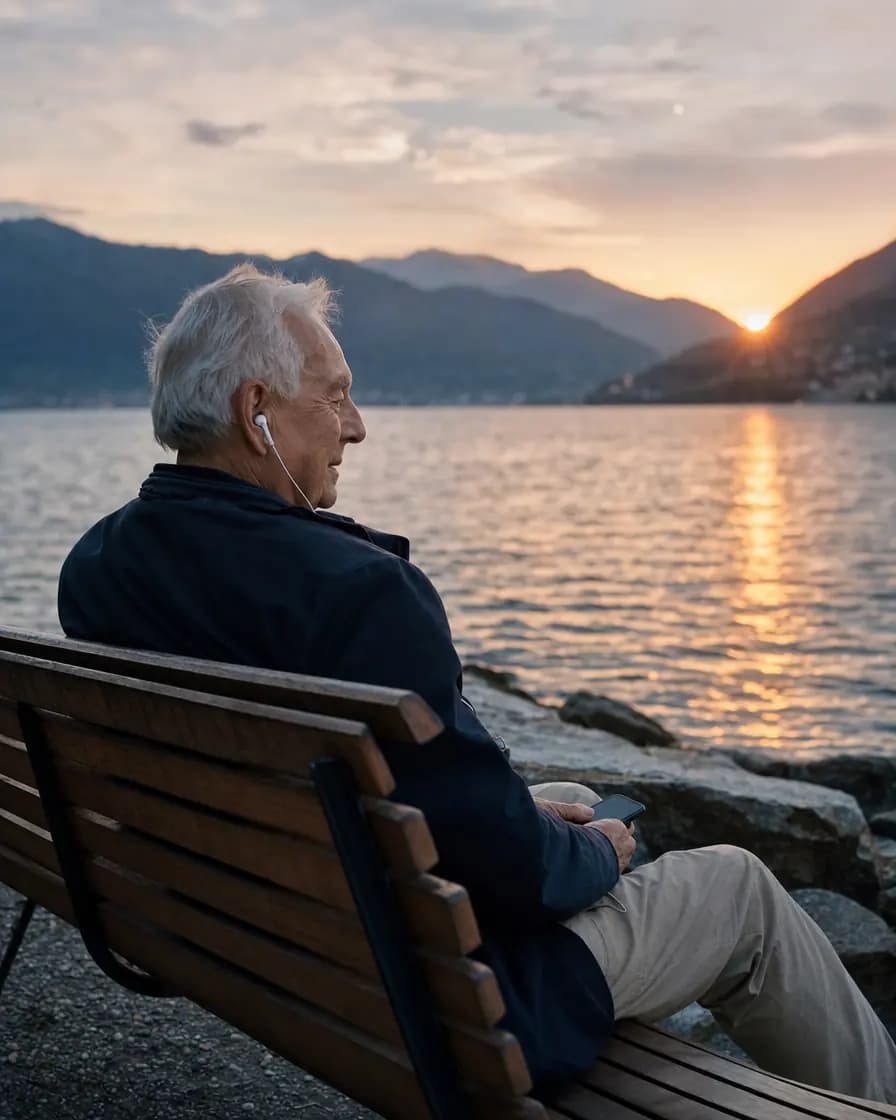
Their voice
The family's voice messages, to listen to on the page.
How it's done
Thoughts and photos
Visitors write and attach photos; the family decides what is published.
How it's done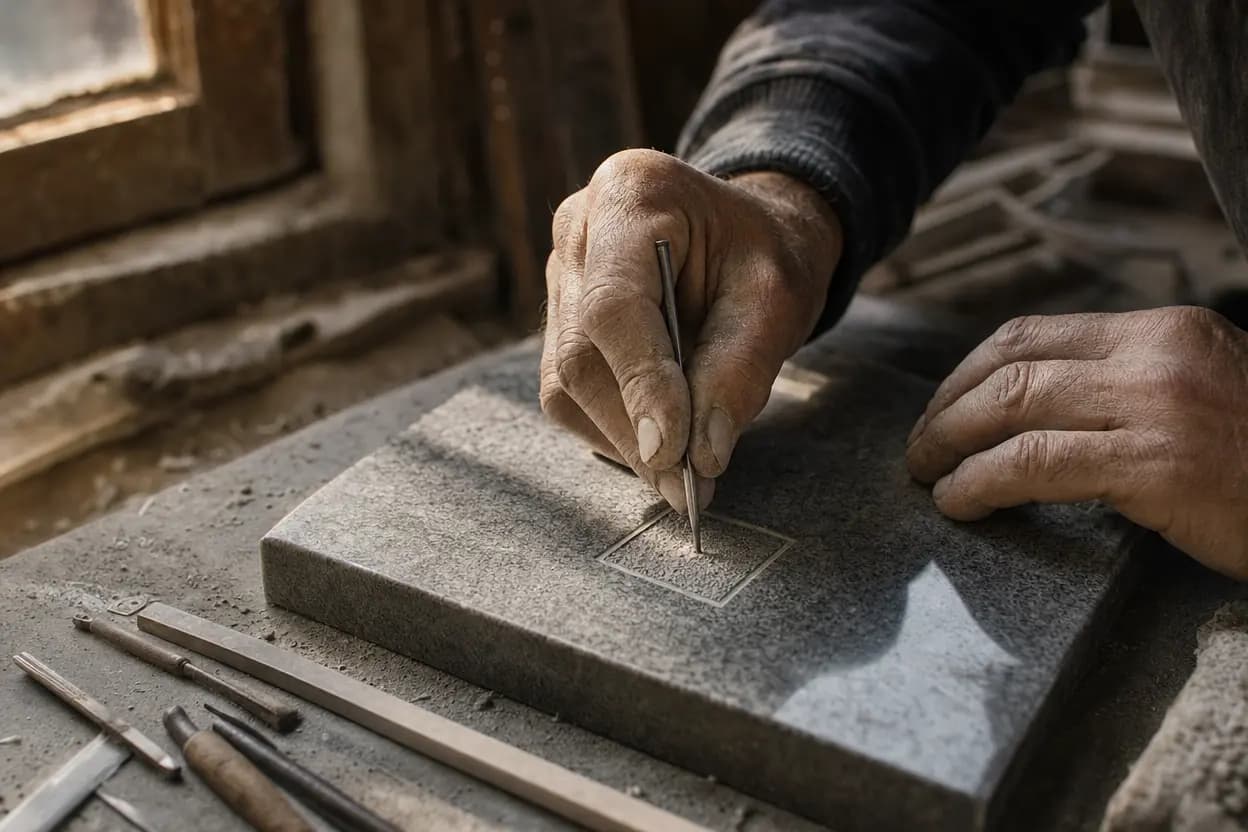
Headstone QR code
Included in every plan, with the files for the stonemason.
How it's done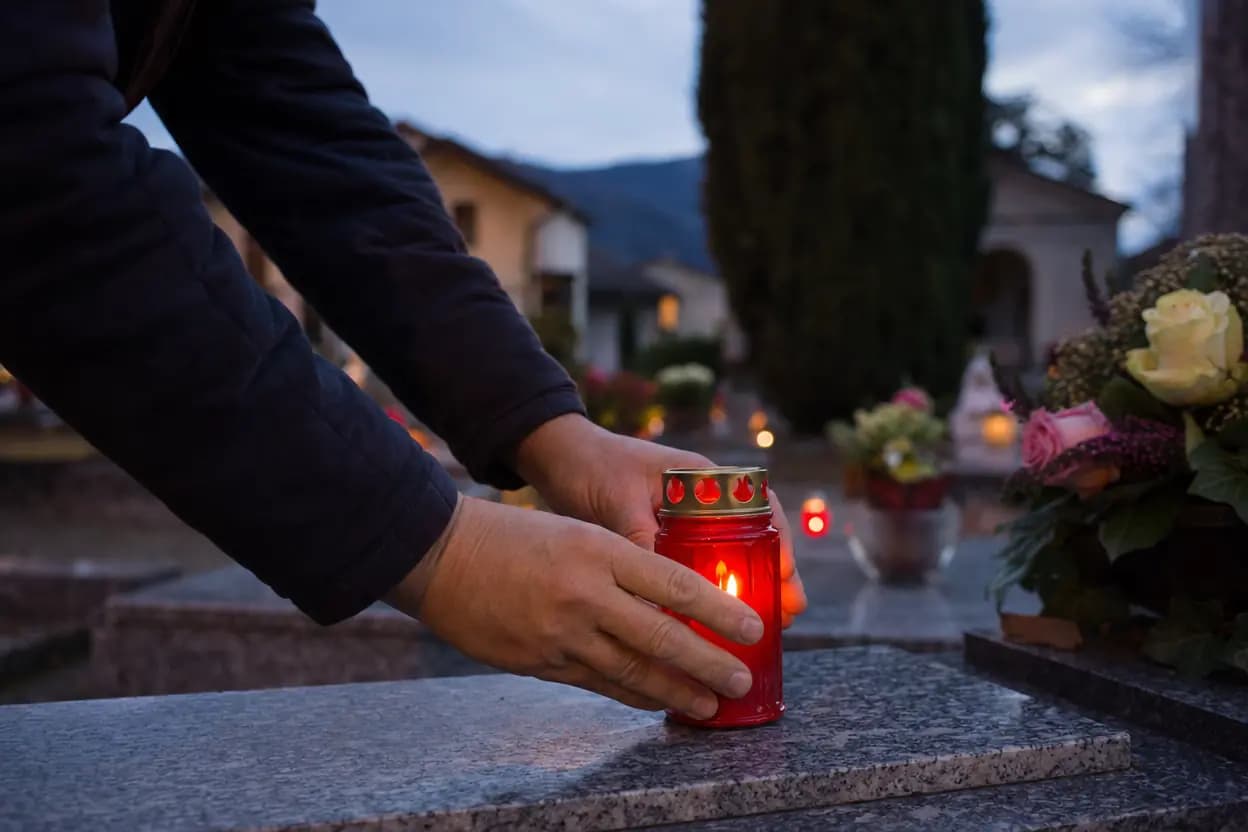
Where they rest
The cemetery, the exact spot and directions to the grave.
How it's done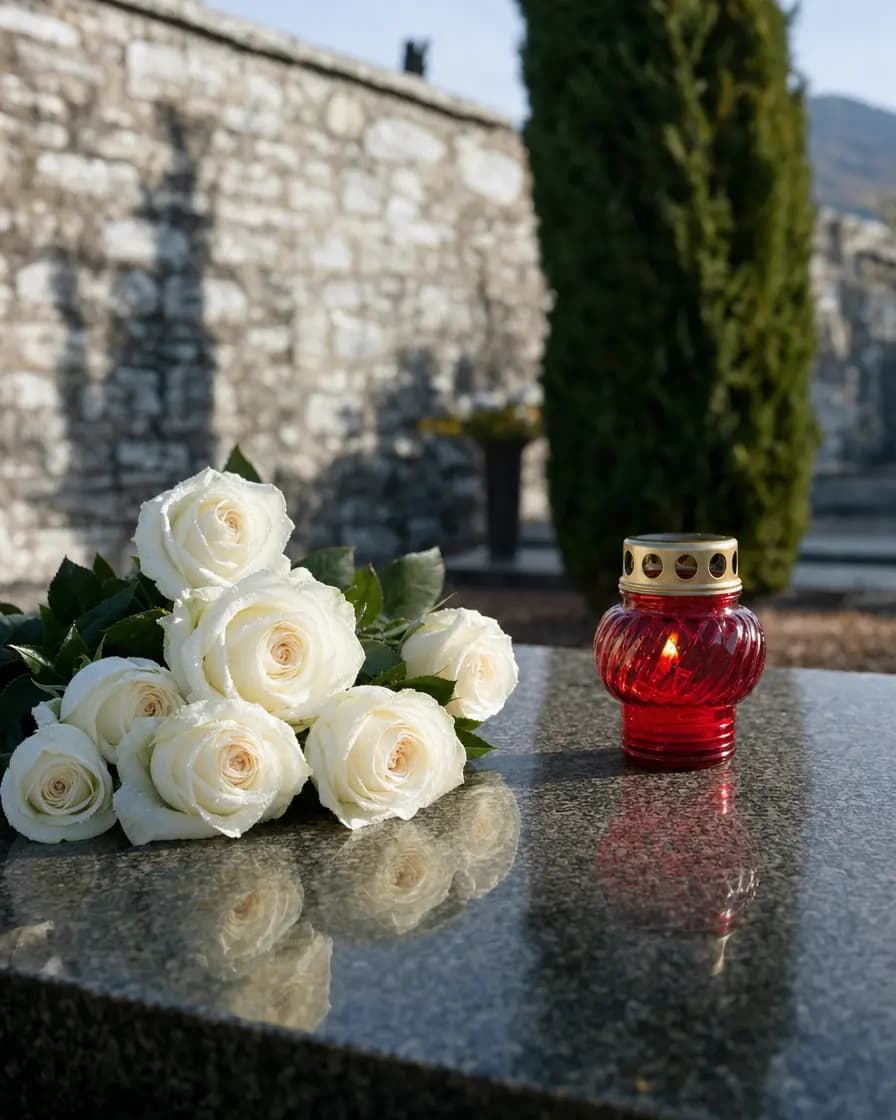
Family grave
One plaque for several people, each with their own memorial.
How it's done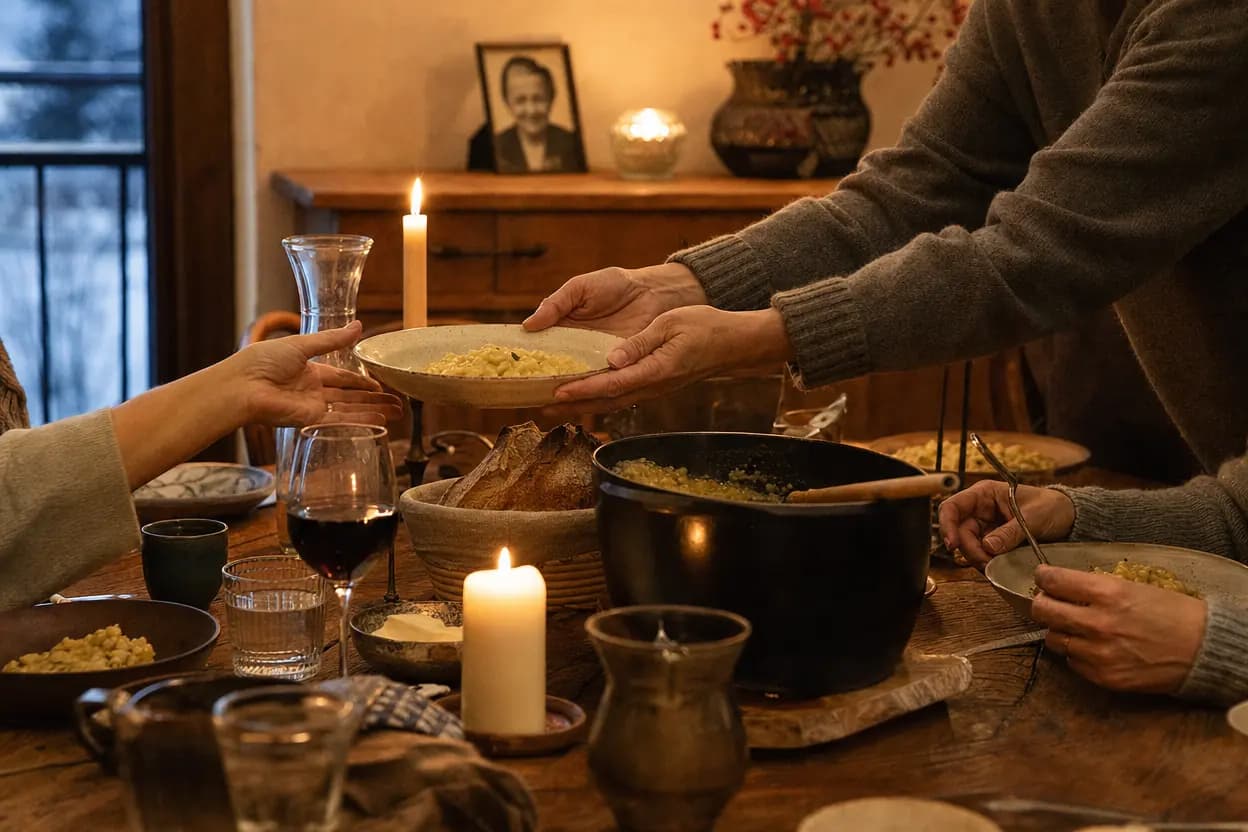
Dates to remember
Anniversaries on the page and an email reminder for anyone who asks.
How it's done
A minute of remembrance
Sixty seconds with their photos, from any phone.
How it's done
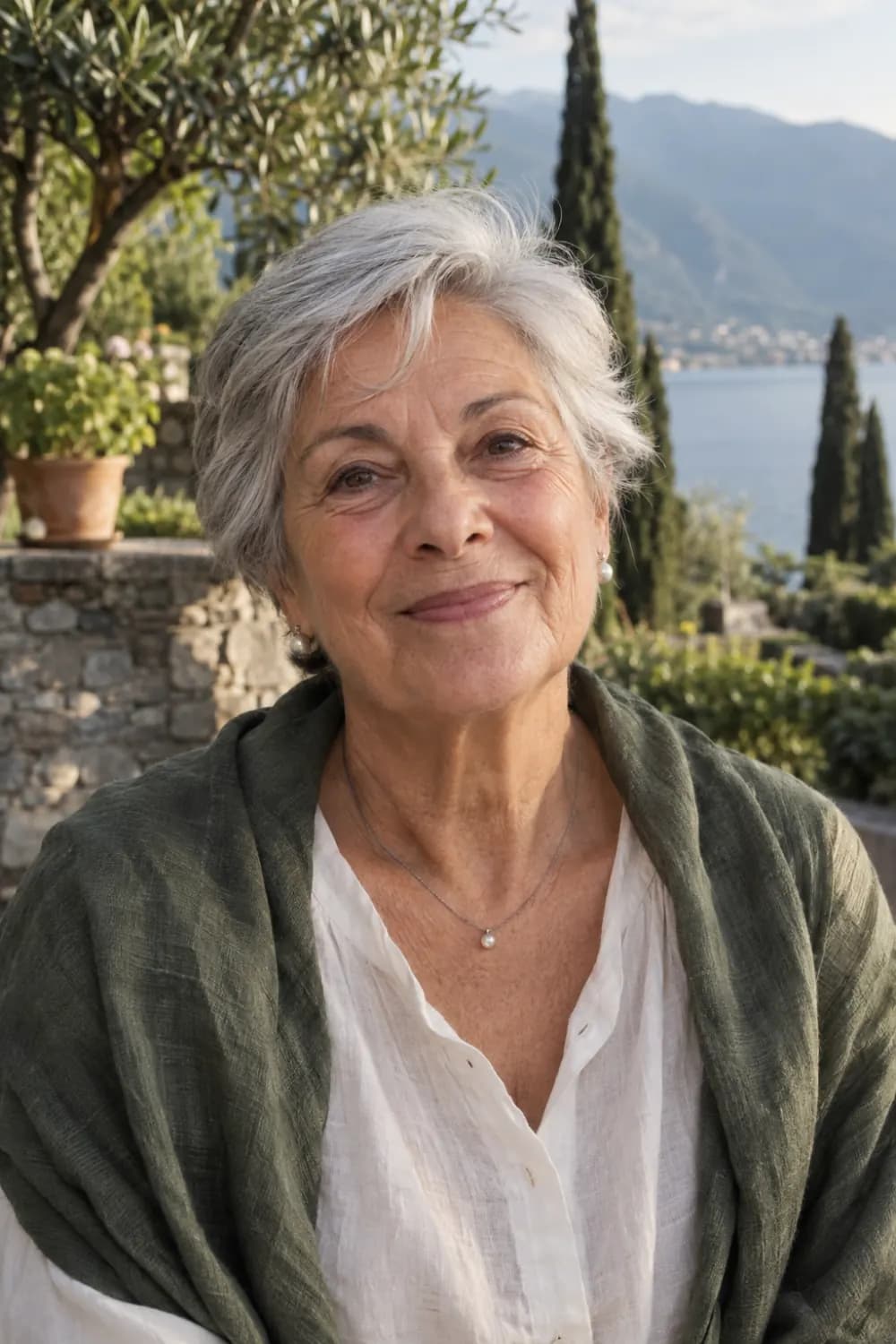
Maria Bernasconi, 1943 – 2024, Lugano.
The lake, her hands in the dough, the grandchildren. What she gave stays.
Maria is an invented person, like the names and dates of this example memorial.
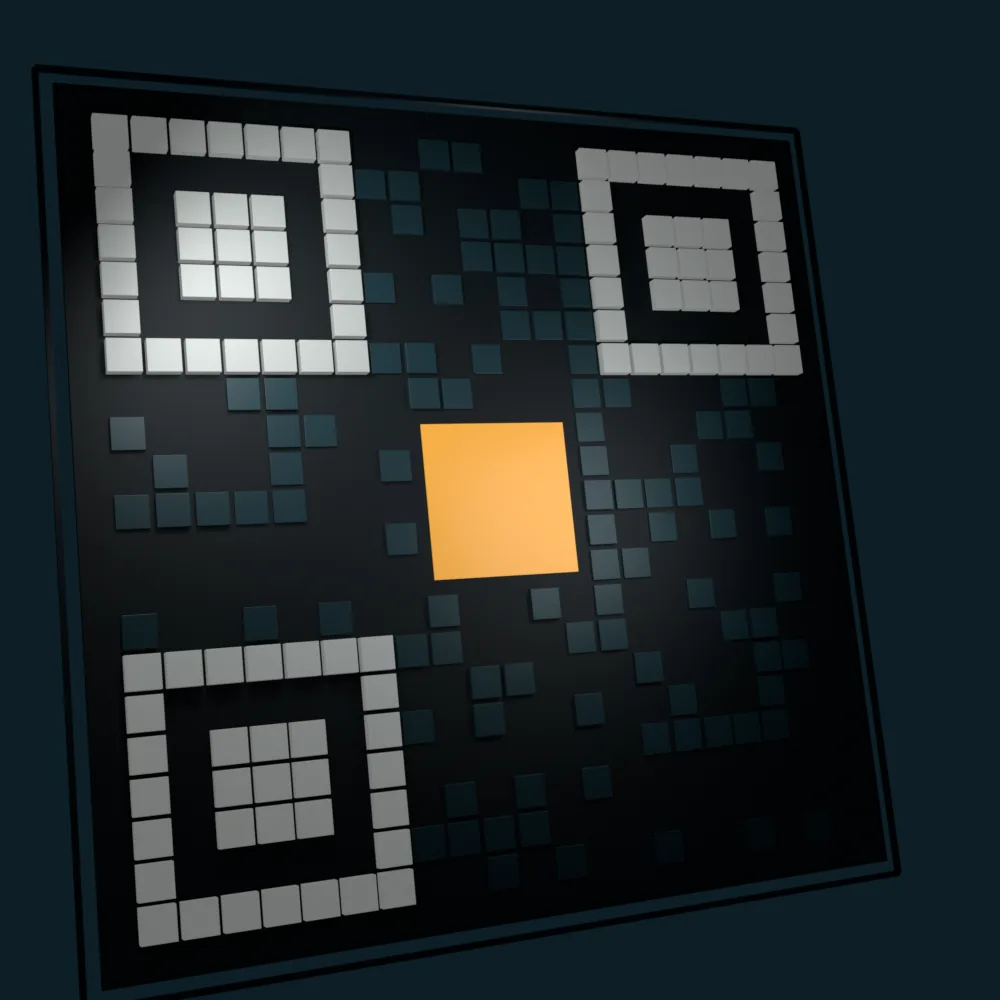
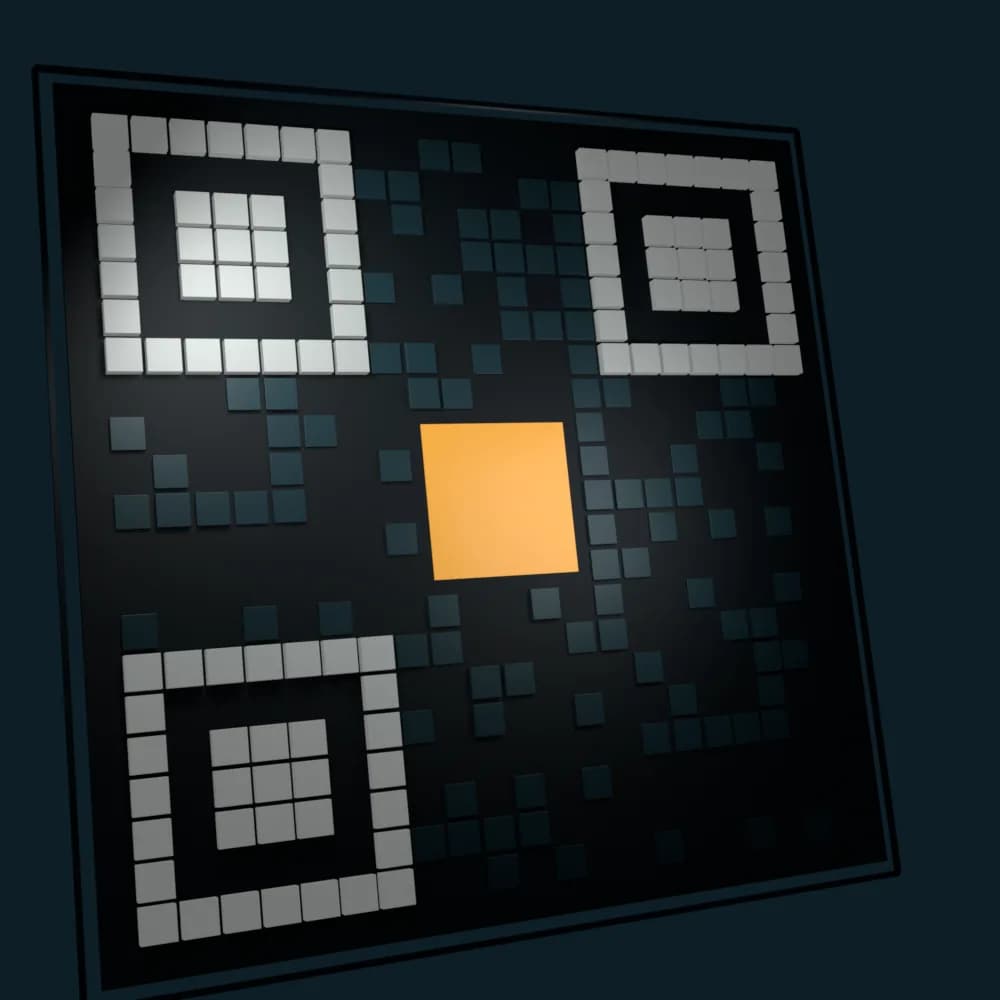
The code on the plaque leads to the page.
Anyone nearby scans the QR code with their phone camera and reaches the memorial. It opens in the browser, without installing anything.
The plaque and the QR in this illustration are decorative and not scannable.
Who uses Aevi, beyond the family.
Beyond the family who looks after the memorial, the service provides QR-code plaques and a space for businesses and municipalities.
01
Family
Updates the memorial, chooses whether the page is public, link-only or private, and adds photographs and tributes.
02
Plaques and QR
QR-code plaques lead to the memorial page. The state of the catalogue is on the products page.
03
Businesses and municipalities
Those who assist families can follow requests and the state of services from a dedicated space.
Start with the free plan.
The free plan includes one memorial, up to 5 photos with the Aevi mark, the guestbook and the basic virtual flowers. Video and further services come with the paid plans: current amounts and limits are on the prices page.
Looking for a person or an obituary?
Search the obituaries in Ticino, with a filter by municipality.
Stories that families have chosen to share
Browse them to see how a memory looks on Aevi, with biography, photographs and tributes. Pages marked “example” are demonstrations: the people they describe never existed. The others are real memorials that families chose to open to everyone.
In memory
Carlo Fontana
1948 – 2023
Chiasso
Sempre in viaggio, sempre a casa con noi.
ExampleOpen the memorial
In memory
Rosa Pedretti
1933 – 2024
Ascona
Novant’anni vissuti con grazia e curiosità.
ExampleOpen the memorial
In memory
Aldo Colombo
1945 – 2022
Mendrisio
Un uomo di poche parole e di molti gesti.
ExampleOpen the memorial
Visibility is always decided by the family: each memorial can be public, accessible only via the link, or completely private.
The questions that come before you start.
Do I need an app to open the memorial?
Who can see the memorial?
Can memories be added later?
Do I need an account to create a memorial?
How is the plaque linked to the memorial?
Start from a photo.
Choose a portrait and a few lines about the person: name, years, place. Photographs and tributes are added when the family is ready.
Plans, limits and current prices are on the prices page.